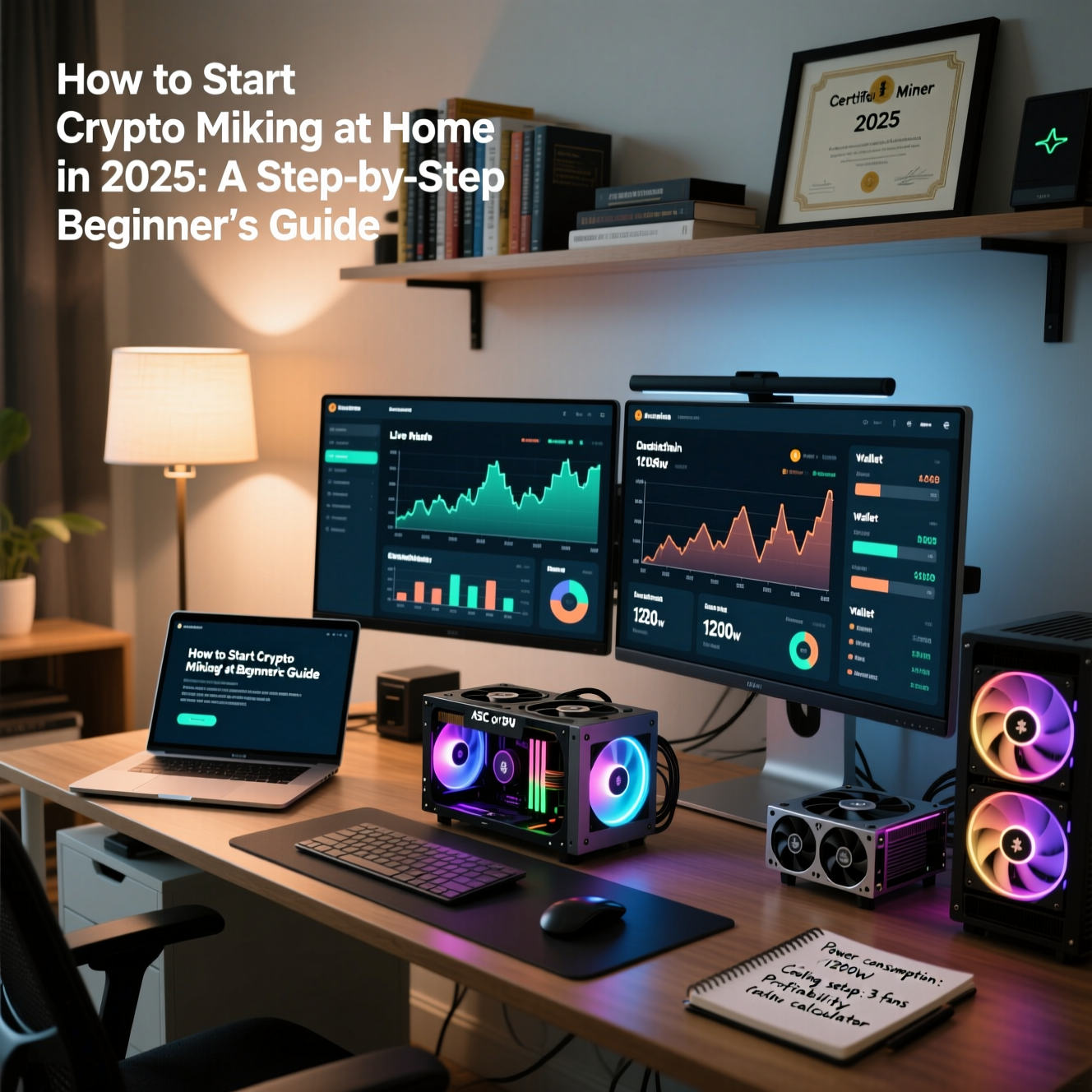
Thinking about starting crypto mining at home in 2025? You’re in the right place. This guide walks you through everything a beginner needs to build a small, profitable, and safe home mining setup — from choosing the right coin and hardware to calculating electricity costs and joining mining pools. By the end you’ll have a clear, actionable plan to start mining and avoid common mistakes.
Why Crypto Mining at Home Still Makes Sense in 2025
Many people assumed crypto mining at home would vanish after major networks moved to Proof-of-Stake, but several Proof-of-Work (PoW) coins remain profitable for small-scale miners in 2025. Advances in energy-efficient GPUs, CPU-friendly algorithms, and niche PoW projects mean hobbyist miners can still earn income — provided they plan carefully and control operating costs.
Home mining is now more about smart selection (coins, hardware, and pools) and efficiency (power, cooling, automation) than it is about sheer brute force. This guide focuses on practical steps you can implement with a small budget and consumer-grade equipment.
Overview — What You’ll Learn
- Which coins are worth mining at home in 2025 (GPU & CPU friendly)
- Hardware choices (GPUs, CPUs, and small ASICs)
- Software setup (OS, miners, and monitoring)
- Power, cooling, and cost-calculation to maximize profit
- Pool vs solo mining and how to choose a pool
- Wallets, payout methods, and tax/regulatory considerations
- Troubleshooting, safety and maintenance best practices
Step 1 — Decide Which Coin(s) to Mine
Start with coin selection. For home miners, target coins with:
- Miner-friendly algorithms (RandomX for CPUs, KawPoW / Ethash alternatives for GPUs, etc.)
- Active developer communities and exchange listings
- Reasonable network difficulty so small rigs can still earn rewards
Good beginner options in 2025: Monero (XMR) for CPU miners, Kaspa (KAS) for GPU miners looking for high block frequency, Ergos/Ergo (ERG) and smaller niche PoW coins for low-competition mining. (Note: always double-check each coin’s current status and price before investing — coin economics change.)
Step 2 — Choose Your Hardware
Your hardware determines both hash rate and power consumption — the two biggest profitability drivers.
GPU Mining (Most popular for home miners)
- High-end: NVIDIA RTX 4090 / RTX 4080 — very powerful but high energy draw and high upfront cost.
- Mid-range: RTX 3070 / RTX 3060 Ti / RTX 4060 Ti — great balance of price, efficiency, and hash rate.
- AMD: RX 6700 / RX 6800 XT / RX 7900 Series — typically strong memory bandwidth for certain algorithms.
CPU Mining (Good for Monero & privacy coins)
- High core-count AMD Ryzen processors (e.g., Ryzen 7000/8000 series) often outperform equivalent Intel chips for RandomX.
- CPU mining is quieter and simpler to set up than a multi-GPU rig.
Small ASICs and Specialty Devices
If you want to mine Scrypt coins (Litecoin/Dogecoin merged mining) or certain SHA-256 forks, small ASICs (e.g., Antminer series or Goldshell devices) are an option — but ASICs are noisy and consume more power. For home hobbyists, GPUs and CPUs are usually the best starting point.
Step 3 — Build Your Rig To Start Crypto Mining at Home
For a simple single-GPU rig you’ll need:
- GPU
- Motherboard with PCIe slot
- CPU + RAM (modest specs for GPU rigs) or high-core CPU for CPU mining
- Power supply (80+ Gold/Platinum recommended) sized for peak consumption
- SSD for OS and miner software
- Open-frame case or well-ventilated enclosure
When building multiple GPUs, pay attention to risers, PCIe distribution, and power redundancy. Keep wiring tidy and ensure the power supply can handle 100% load plus a safety margin (usually 20–30%).
Step 4 — Install OS and Mining Software
You have two typical OS choices:
- Windows 10/11: Familiar UI; great for single rigs and GPU drivers. Use official drivers and optimize via miner software settings.
- Linux (Ubuntu / HiveOS / RaveOS): More efficient and often preferred for multiple rigs. HiveOS and RaveOS are mining-focused distributions with remote management features.
Popular Miner Software
- GPU miners: TeamRedMiner (AMD), T-Rex (NVIDIA), nbminer, lolMiner
- CPU miners: XMRig (for Monero/RandomX)
- Pool clients & management: Awesome Miner, Minerstat (for remote monitoring and auto-switching)
Install the latest compatible GPU drivers, then configure your miner with pool address, wallet address, and preferred tuning parameters (intensity, power limit, core/memory clocks).
Step 5 — Choose a Mining Pool (or Solo)
Most beginners should join a mining pool to receive steady payouts. Consider these factors when choosing a pool:
- Fee structure: Pools usually charge 0–3% commission.
- Payout threshold and frequency: Lower thresholds mean faster payouts but sometimes slightly higher fees.
- Pool stability and reputation: Check community feedback and uptime history.
- Geographic proximity: Lower latency to nearby pool servers can slightly improve stability.
Examples: For Monero, look for reputable RandomX pools; for GPU coins check pool lists on official coin sites and community forums.
Step 6 — Set Up a Secure Wallet
Always control your own wallet for mining payouts. Options include:
- Hardware wallets: Ledger, Trezor (best for long-term holdings)
- Full-node wallets: Run the official coin wallet to support the network and increase security
- Software wallets: Lightweight desktop wallets or mobile wallets for convenience
Configure the wallet address in your miner or pool dashboard. For privacy coins like Monero, use a non-custodial wallet to protect anonymity.
Step 7 — Calculate Profitability and Break-Even
Profitability depends on hardware hash rate, power draw, electricity cost (kWh), pool fees, and coin price. Use calculators like WhatToMine or local spreadsheets to calculate:
- Daily earnings (coin units and USD)
- Daily electricity cost = (Power draw in kW) × (hours/day) × (kWh rate)
- Net profit = Daily earnings − Daily electricity cost − Pool fees
- Break-even time = Hardware cost ÷ Net daily profit
Example: a mid-range GPU drawing 200W mining 24 hours at $0.12/kWh consumes 4.8 kWh/day (200W × 24 = 4800Wh = 4.8kWh) — daily electricity cost = 4.8 × $0.12 = $0.576. Compare this to daily coin revenue to find net profit.
Step 8 — Cooling, Noise and Location Considerations
Mining rigs generate heat and noise. Consider:
- Placement: well-ventilated cellar or dedicated room
- Fans and airflow: use case fans or external fans; open-frame rigs help airflow
- Temperature monitoring: keep GPU temperatures below manufacturer limits (typically under 80°C for long-term reliability)
- Noise mitigation: anti-vibration mounts, place rigs away from living areas
Step 9 — Automate and Monitor
Use monitoring tools to manage uptime and profitability:
- Remote dashboards (HiveOS, Minerstat, Awesome Miner)
- Email or Telegram alerts for downtime and critical temps
- Auto-switching: software that automatically mines the most profitable coin for your hardware
Step 10 — Security, Maintenance & Legal Issues
Security: Always use strong passwords on pool and wallet accounts, enable 2FA where available, and avoid sharing private keys. Keep your OS and miner software up to date.
Maintenance: Clean dust from GPUs regularly, check solder joints and power cables, and replace aging fans or thermal paste as needed.
Legal & tax considerations: Cryptocurrency rules vary by jurisdiction. Track mined income and consult a tax professional about reporting obligations. Also check local rules regarding high electricity usage or noise complaints.
Troubleshooting — Common Problems & Fixes
- Rig not detecting GPU: Re-seat GPU, check PCIe riser cable, update BIOS and drivers.
- Low hash rate: Optimize overclock/undervolt settings, update miner config, check for throttling.
- Crashes or reboots: Test power supply, check RAM and temps, run stress tests.
- Payout issues: Verify pool settings, wallet address, and minimum payout thresholds.
Advanced Tips to Boost Crypto Mining at Home Profitability
- Undervolting: Reduces power consumption while keeping good hash rate.
- Memory tuning: Some algorithms react strongly to memory clock settings. Experiment and record results.
- Batch switching: Mine less-popular coins when competition rises on your main coin, then exchange them for USD or BTC when favorable.
- Use renewable or off-peak power: If possible, mine during off-peak electricity times or with solar to lower costs.
Is Home Mining Worth It in 2025?
Short answer: Yes, but with caveats. Crypto mining at home can generate income, especially if you control power costs and choose the right coins. It’s less about quick riches and more about steady, low-risk returns for hobbyists and small-scale operators. Always run the numbers before spending on hardware and be prepared for changes in coin prices and mining difficulty.